For Healthcare Practices
Manage Your Entire Practice From One Platform.
Replace disconnected clinic tools with a unified system. From patient records to billing, run your healthcare practice without the administrative burden.
No credit card required
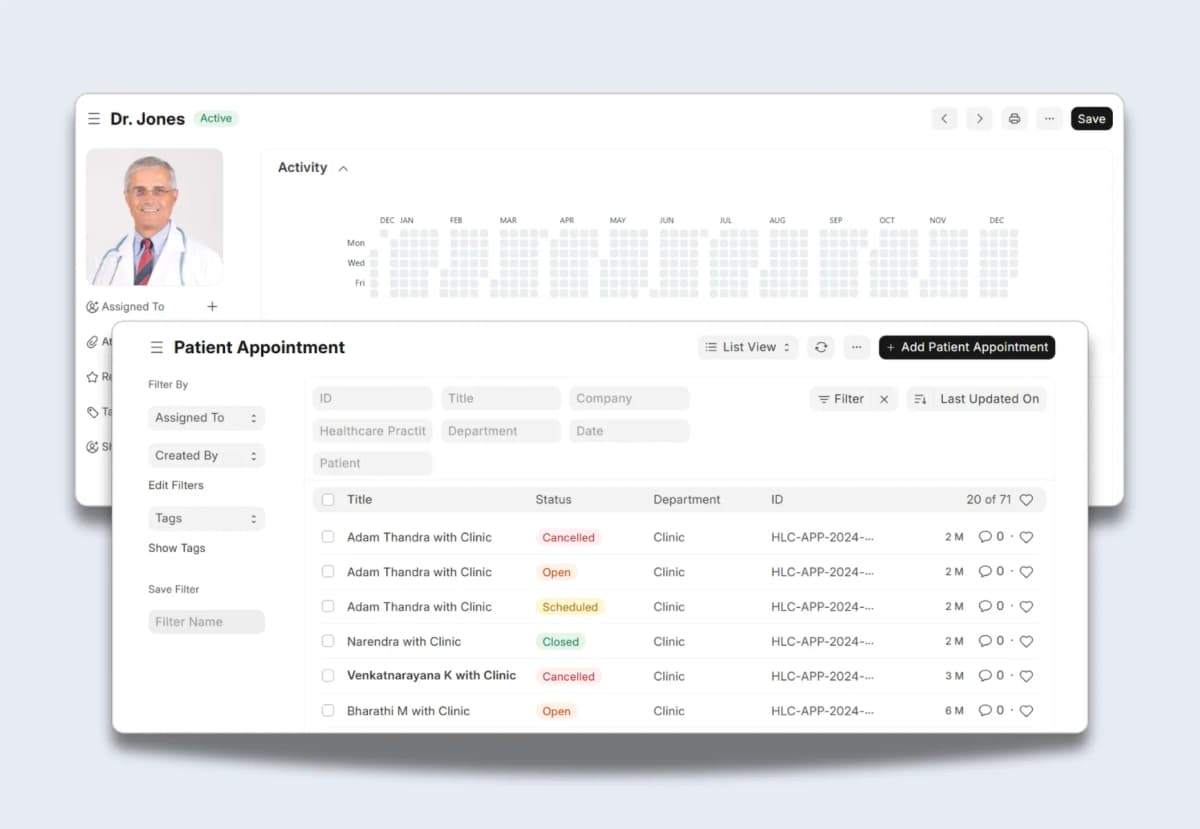
Trusted by 100+ Healthcare Practices





[01] HIGHLIGHTS
Built to run your entire healthcare practice
Stop forcing your doctors to do administrative paperwork. Give your staff the exact tools they need to focus on patients.
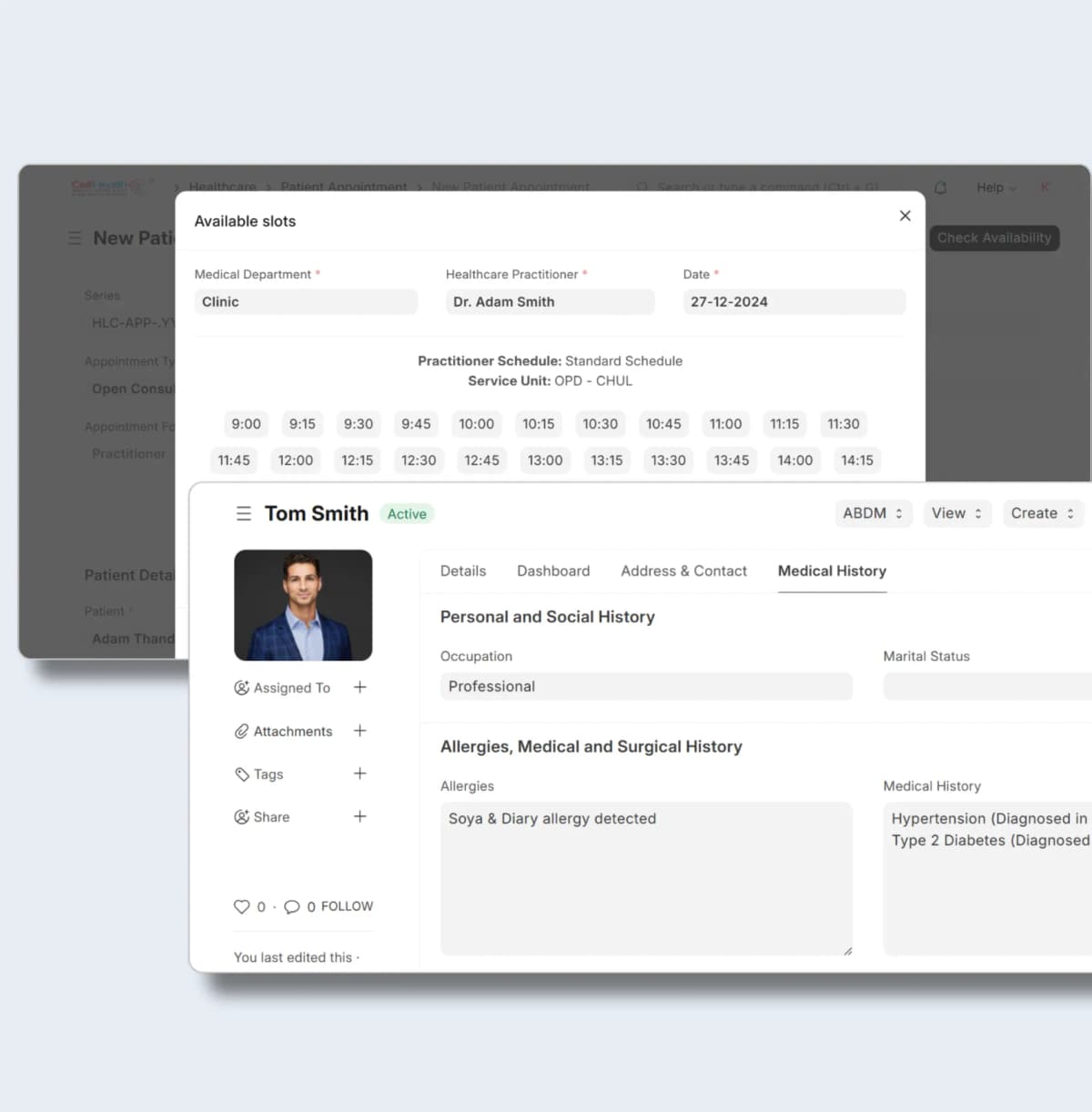
Patient Management
Streamlined Patient Records & Billing
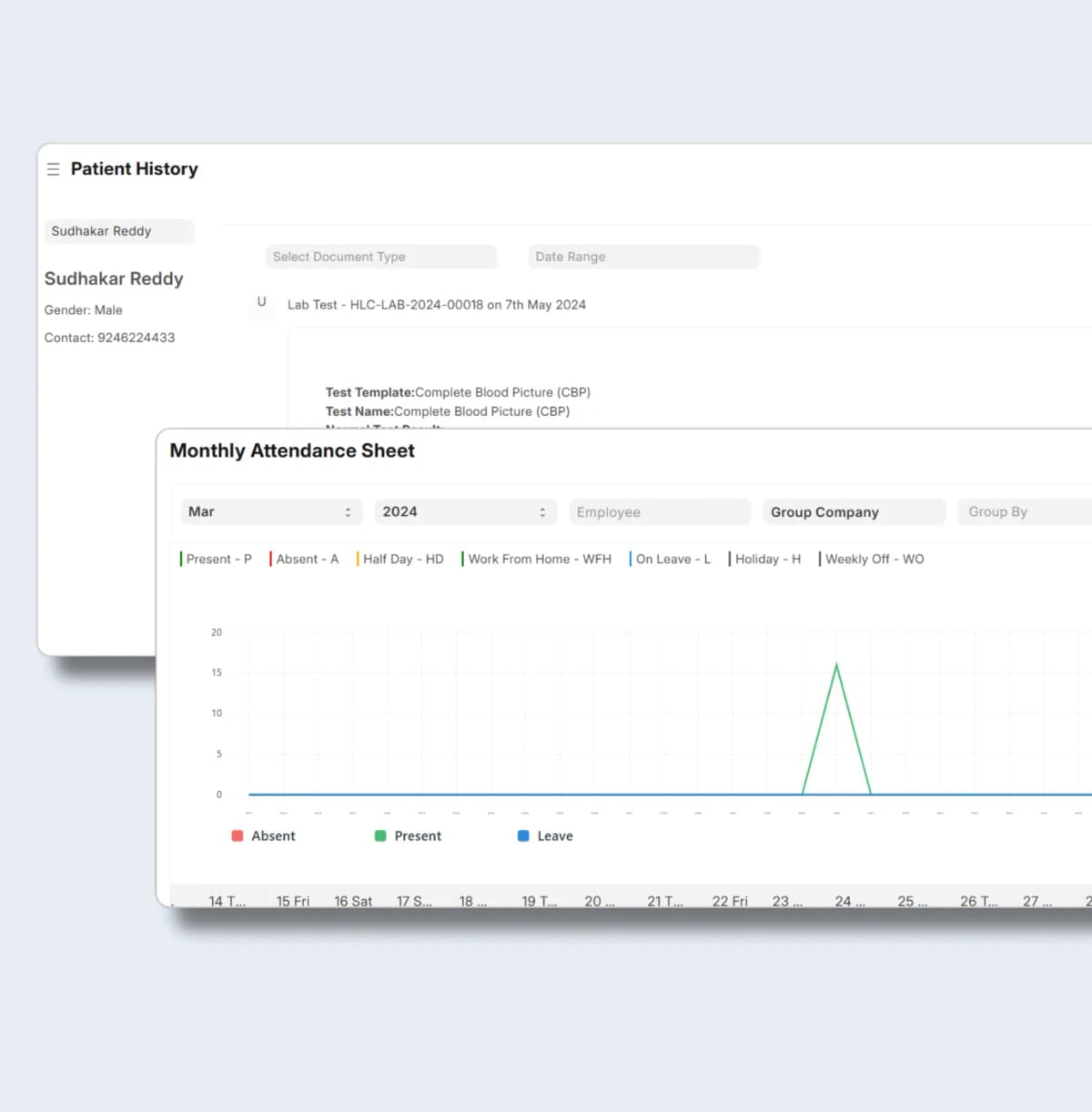
Compliance
Audit-ready at all times
Zero Per-User Fees
Give every doctor, nurse, and receptionist their own login. You pay for cloud hosting, not for user seats. Scale your practice without paying a penalty.
Agile Process Customization
Stop paying consultants for basic changes. Add custom fields and change workflows in minutes. Our low-code architecture gives you total control over your system.
Compliance & Reporting
Generate regulatory reports, maintain audit trails, and ensure data privacy compliance. Stay inspection-ready at all times.
“Our billing errors dropped to near zero once patient records and invoicing were in the same system. We used to spend 2 hours daily just reconciling.”
Dr. Anita M
Medical Director
@CareFirst Clinics
[02] implementation
Go digital before your next accreditation review.
We do not disrupt your ongoing patient care. We map your operations, migrate your historical data, and go live in 6 to 8 weeks.

Week
1–2
Process mining reveals reality
We analyze your existing clinic management software, Tally, or paper-based records. We document your patient flows, billing processes, and compliance requirements. You get data on where things break, where people create workarounds, and where time disappears.
Deliverable: Process map showing your actual workflows
Week
2–3
Lock the scope in writing
Week
4–8
Configure, test, and train in parallel
Week
9–12
Go Live with continuous monitoring
“Our staff adopted the system in under a week. The role-specific screens meant nurses see only what they need — no training overwhelm.”
Kavitha R
Operations Manager
@HealthBridge Hospital
Enterprise-Grade Security
Go Live in < 45 Days
No Vendor Lock-in
[10] FAQ
QUESTIONS?
WE'VE GOT ANSWERS.
Everything You Need To Know About Onebook As A Business
For Partners
01.
I'm currently on Tally/Zoho. Will switching disrupt my finance team?
No. We support Embedded Accounting. Your operations team gets a unified ERP for inventory, production, and CRM, while your accountant can continue using the Tally format they love via our optional Tally Format data export. You get operational control; they get compliance comfort.
02.
Is my data secure on an Open Source platform?
Yes. Onebook runs on managed Azure Kubernetes with SOC 2, ISO 27001, GDPR, and HIPAA compliance. Your data is encrypted at rest and in transit, with role-based access controls and regular security audits.
03.
How long does it take to go live?
Most companies go live in 8–12 weeks. We scope the project upfront, migrate your data cleanly, train your team properly, and run process mining after launch to catch issues early.
04.
Why don't you charge per user like Zoho or SAP?
Per-user pricing is a tax on growth. When your warehouse team needs access, you shouldn't have to calculate ROI per login. Onebook charges by tier, not by headcount — so your whole team can use it.
05.
Can I keep using Tally for accounting?
Absolutely. Our native 2-Way Tally Sync lets your accountant stay on Tally while your operations team runs on Onebook. No double data entry, no disruption.
06.
What if it doesn't work for us?
We offer a free consultation and a lifetime warranty. If Onebook doesn't fit your business after implementation, we'll help you migrate back — no lock-in, no penalties.
[04] Resources
Further reading
A growing practice breaks manual systems. See what changes when you centralize your clinical data
[05] Industries
Explore Further industries
Onebook comes pre-configured with the specific workflows, compliance, and terminology for your industry.
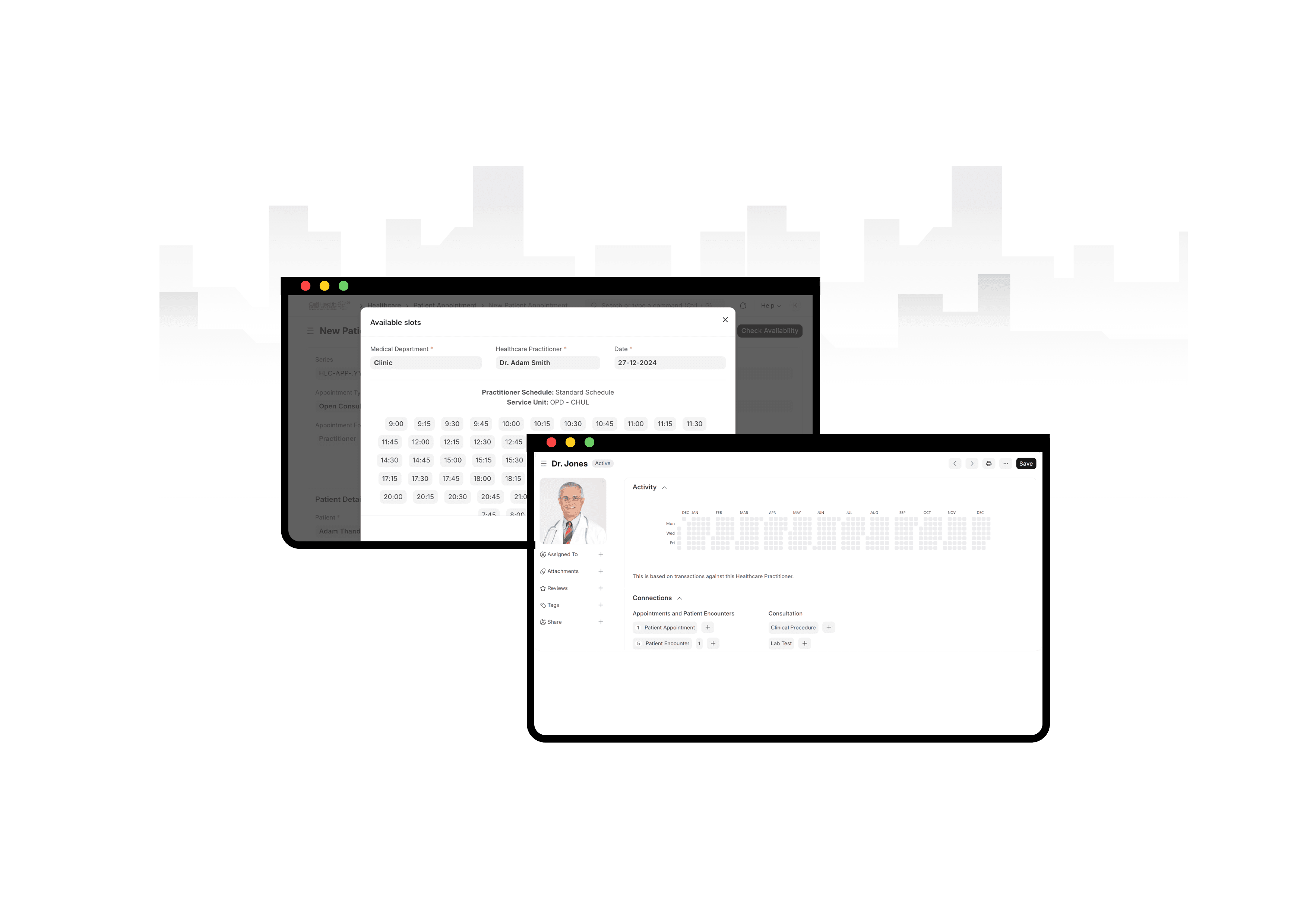
specialized Features
Comprehensive management for healthcare practices, from patients to billing.
Patient records management
Appointment scheduling
Billing & insurance claims
Lab & diagnostics integration
What people say
“Billing errors dropped to near zero in the first month”
Dr. Anita M
CareFirst Clinics (Medical Director)
Time and money are important Save both
Automate your practice, track patients, and push billing directly to Onebook at cheaper cost, saves you time and money.