Apps / CRM / Pipeline & Deals

Pipeline & Deals
A visual pipeline from first contact to won or lost
Every lead and deal moves through stages you define, with the full contact and company history attached. No more guessing which deals are actually active.
No credit card required
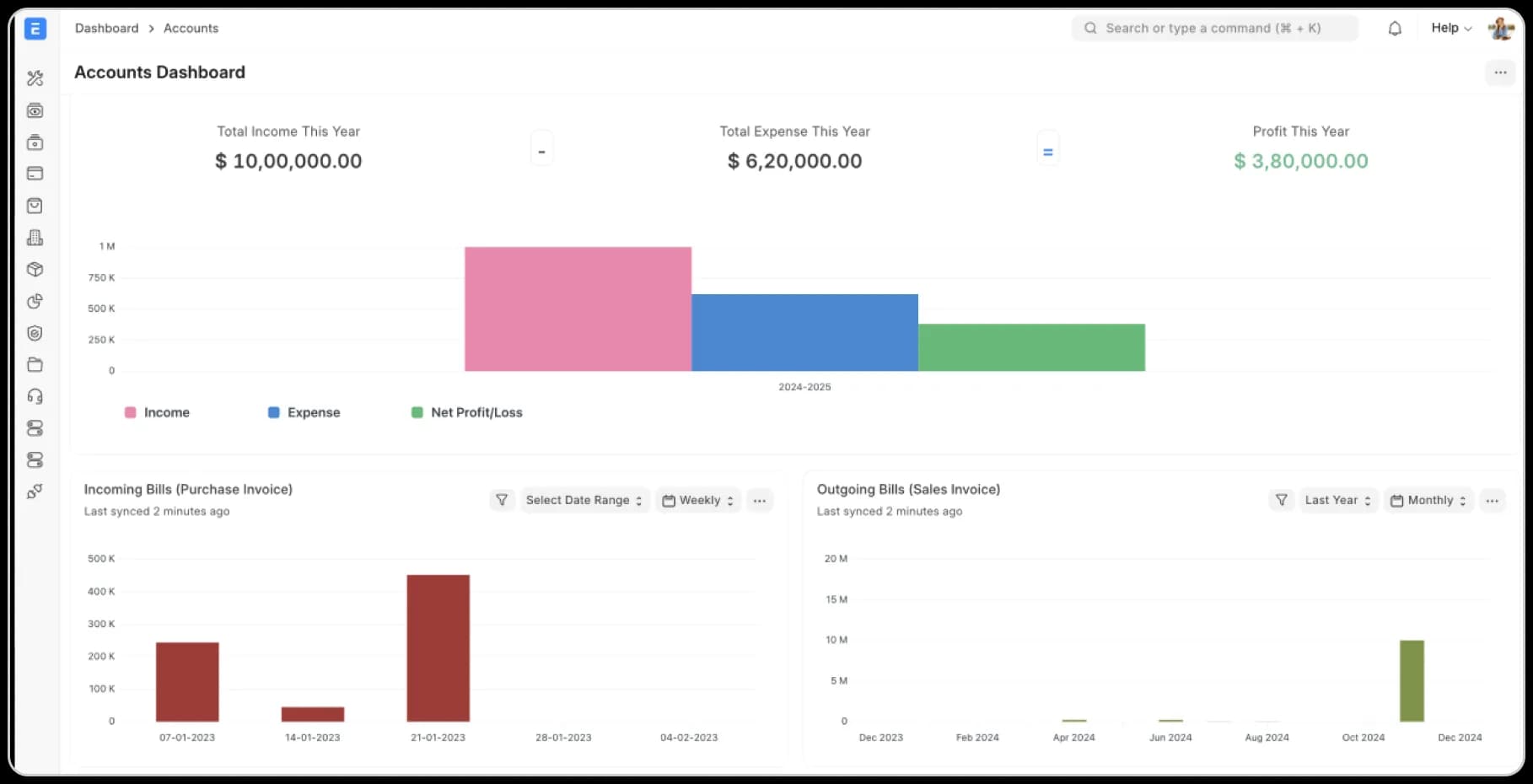
[01] What it does
Everything Pipeline & Deals handles
Visual kanban pipeline
Drag deals between stages, see the whole funnel at a glance.
Custom pipeline stages
Model the sales process you actually run, not a generic template.
Contact & company records
Every interaction logged against the account, not an inbox.
Deal scoring
Prioritize deals most likely to close based on activity and stage age.
Duplicate detection
Catch duplicate leads and contacts before they clutter the pipeline.
Deal-to-order conversion
A won deal becomes a sales order without re-entry.
Multiple pipelines
Run separate pipelines per product line, region, or team.
Activity timeline
See every call, email, and note against a deal in one chronological view.
Lost-reason tracking
Log why a deal was lost to spot patterns over time.
[02] Who it's for
What changes when you switch
Stop asking 'what's the status of that deal?'
Everyone sees the same pipeline, the same stage, the same next step — no status-update meetings.
A won deal becomes an order, automatically
No re-typing a closed deal into a separate sales order — it's the same record.
[03] Compare
See how Pipeline & Deals stacks up
Toggle between tools to compare feature by feature.
Onebook
RecommendedPipeline visibility
Visual kanban, shared and live
Deal-to-order conversion
Automatic
Activity history
Every call/email logged automatically
Spreadsheets
Pipeline visibility
A spreadsheet nobody's sure is current
Deal-to-order conversion
Manual re-entry
Activity history
Whatever someone remembered to note
[04] Integrations
CRM works with tools you use
Connect to the tools your team already relies on: CRMs, payment providers, analytics platforms, data warehouses & more. We keep everything in sync — automated, accurate, and always up to date.


[05] Implementation
GO LIVE ON PIPELINE & DEALS IN 8–12 WEEKS
Most implementations fail on scope creep and bad data. We use process mining to catch failures before they happen.

Week
1–2
Process mining reveals reality
We mine your current systems: Tally, spreadsheets, emails to see how work actually flows. You get data on where things break, where people create workarounds, and where time disappears.
Deliverable: Process map showing your actual workflows
Week
2–3
Lock the scope in writing
Week
4–8
Configure, test, and train in parallel
Week
9–12
Go Live with continuous monitoring
Modules
Other CRM modules
[10] FAQ
QUESTIONS?
WE'VE GOT ANSWERS.
Everything You Need To Know About Onebook As A Business
For Partners
01.
I'm currently on Tally/Zoho. Will switching disrupt my finance team?
No. We support Embedded Accounting. Your operations team gets a unified ERP for inventory, production, and CRM, while your accountant can continue using the Tally format they love via our optional Tally Format data export. You get operational control; they get compliance comfort.
02.
Is my data secure on an Open Source platform?
Yes. Onebook runs on managed Azure Kubernetes with SOC 2, ISO 27001, GDPR, and HIPAA compliance. Your data is encrypted at rest and in transit, with role-based access controls and regular security audits.
03.
How long does it take to go live?
Most companies go live in 8–12 weeks. We scope the project upfront, migrate your data cleanly, train your team properly, and run process mining after launch to catch issues early.
04.
Why don't you charge per user like Zoho or SAP?
Per-user pricing is a tax on growth. When your warehouse team needs access, you shouldn't have to calculate ROI per login. Onebook charges by tier, not by headcount — so your whole team can use it.
05.
Can I keep using Tally for accounting?
Absolutely. Our native 2-Way Tally Sync lets your accountant stay on Tally while your operations team runs on Onebook. No double data entry, no disruption.
06.
What if it doesn't work for us?
We offer a free consultation and a lifetime warranty. If Onebook doesn't fit your business after implementation, we'll help you migrate back — no lock-in, no penalties.